wed.money
Plan. Track. Celebrate without surprises.
Budget & payment planner for your wedding
Know exactly what you owe, to whom, and when.
A calm, private place to plan every wedding payment — so the numbers never surprise you.
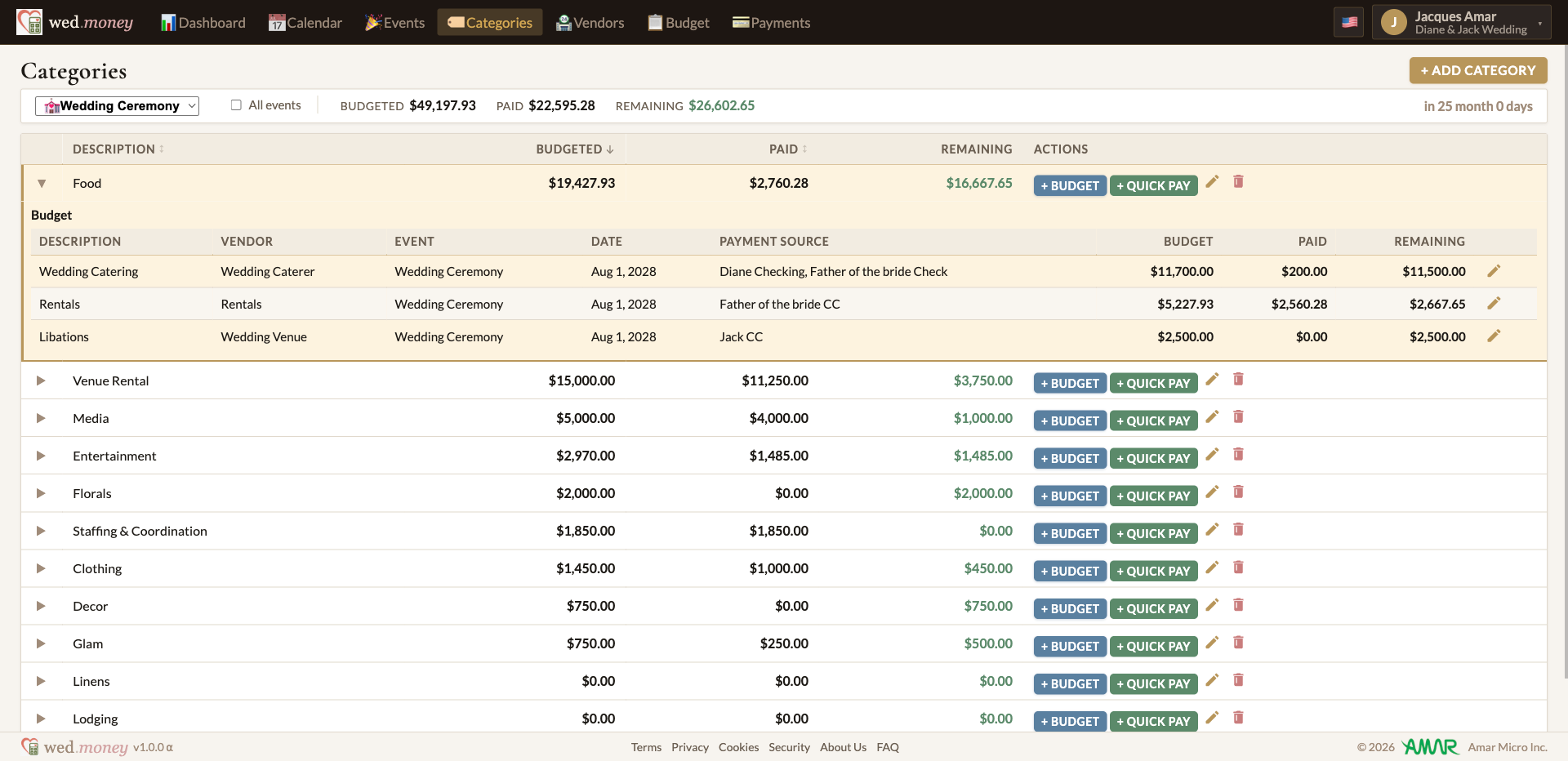
- Know what you still owe See what's paid, what's due, and what remains for every vendor.
- Never miss a payment Track deposits, installments, and final balances by due date.
- Know who's paying Keep track of what you, your partner, parents, or others are covering.
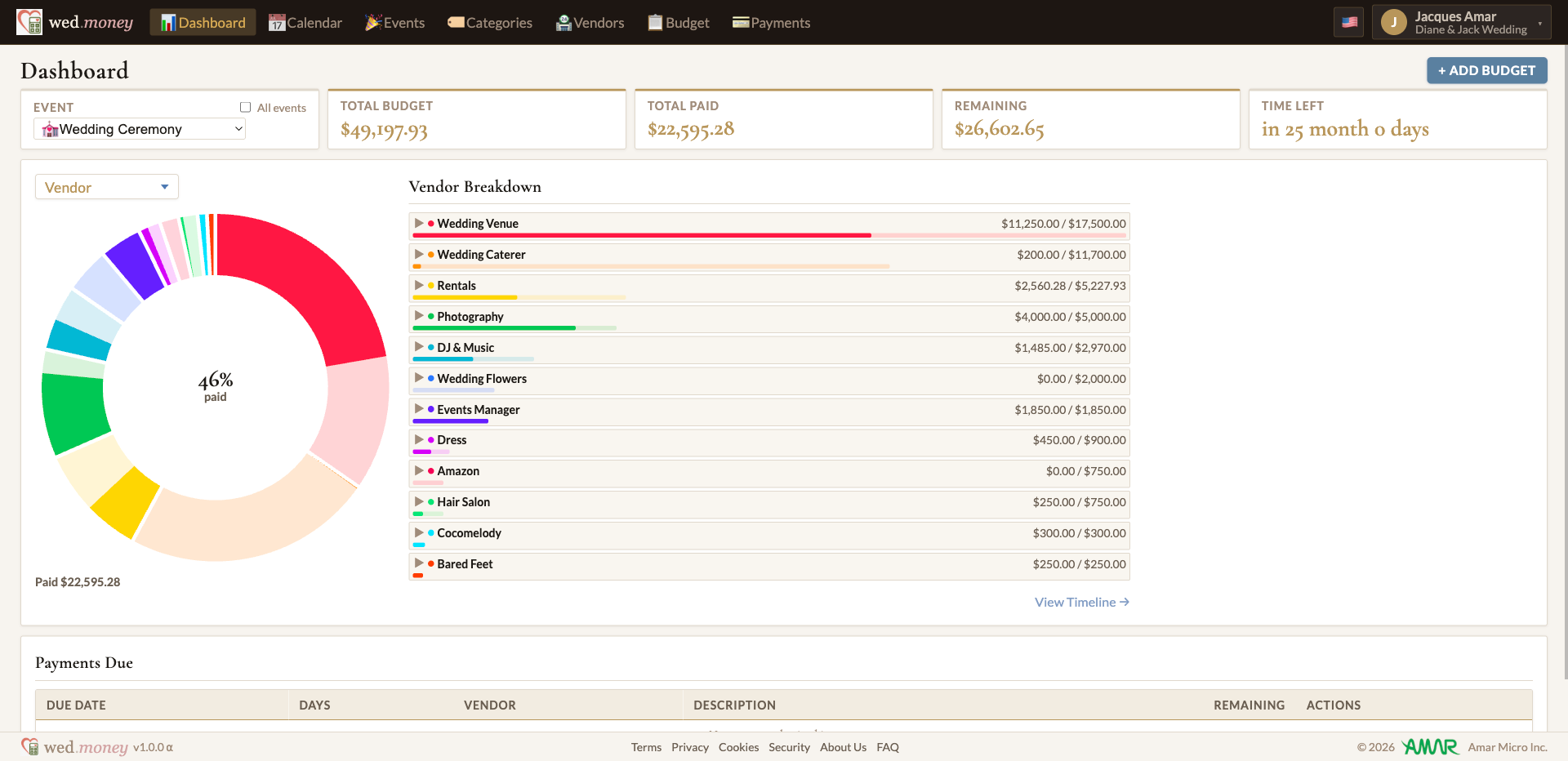
Your whole plan, on one timeline
Planned installments, payments made, and every event — laid out so you can see exactly where the money is going.
Built around one question
How much do I owe?
Set a budget for each vendor, event, and category, and track it against what you've actually paid.
To whom?
Keep every vendor and funding source in one place, with contacts, contracts, and balances.
And when?
Break payments into a dated plan and see what's coming on the calendar and the timeline.
One wedding, many moving parts
A wedding is more than one day — an engagement party, a rehearsal dinner, the ceremony, a Sunday brunch: often a whole wedding weekend. Each event has its vendors, each vendor a payment schedule, and every payment comes from somewhere. It all connects here.
Every event
Plan each celebration on its own — engagement, showers, rehearsal dinner, ceremony, brunch — with its own budget and dates.
Every vendor
Venue, catering, flowers, photography — attach each vendor to its event and see their budgets side by side.
Every installment
Deposits, milestones, and final balances become dated payment plans you can see coming.
Every source
Parents chipping in? Savings plus a card? Tag who pays each payment and follow every source's share.
How it works
-
1
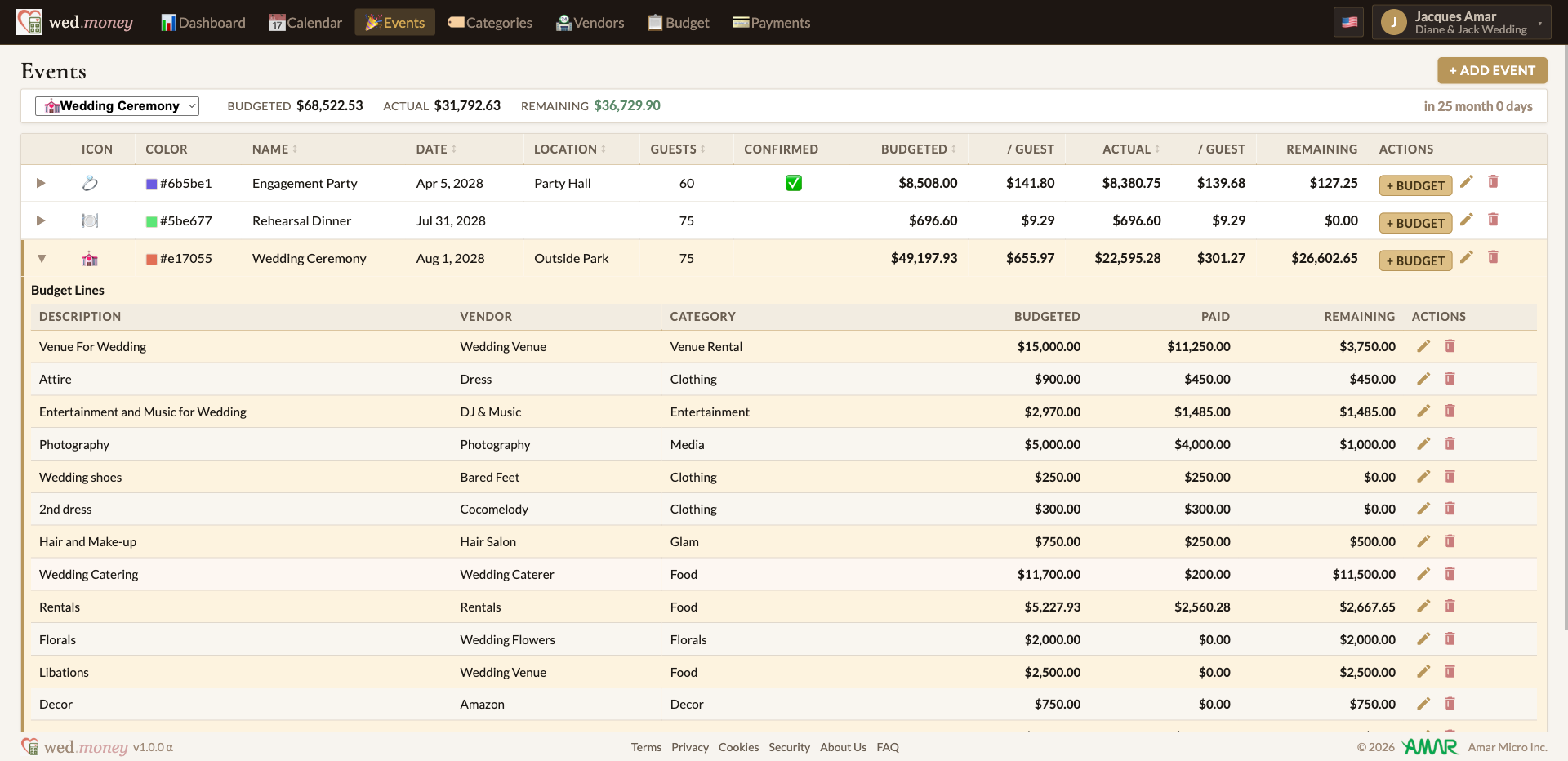
Add your vendors and events
List who you're paying and the occasions they're for.
-
2
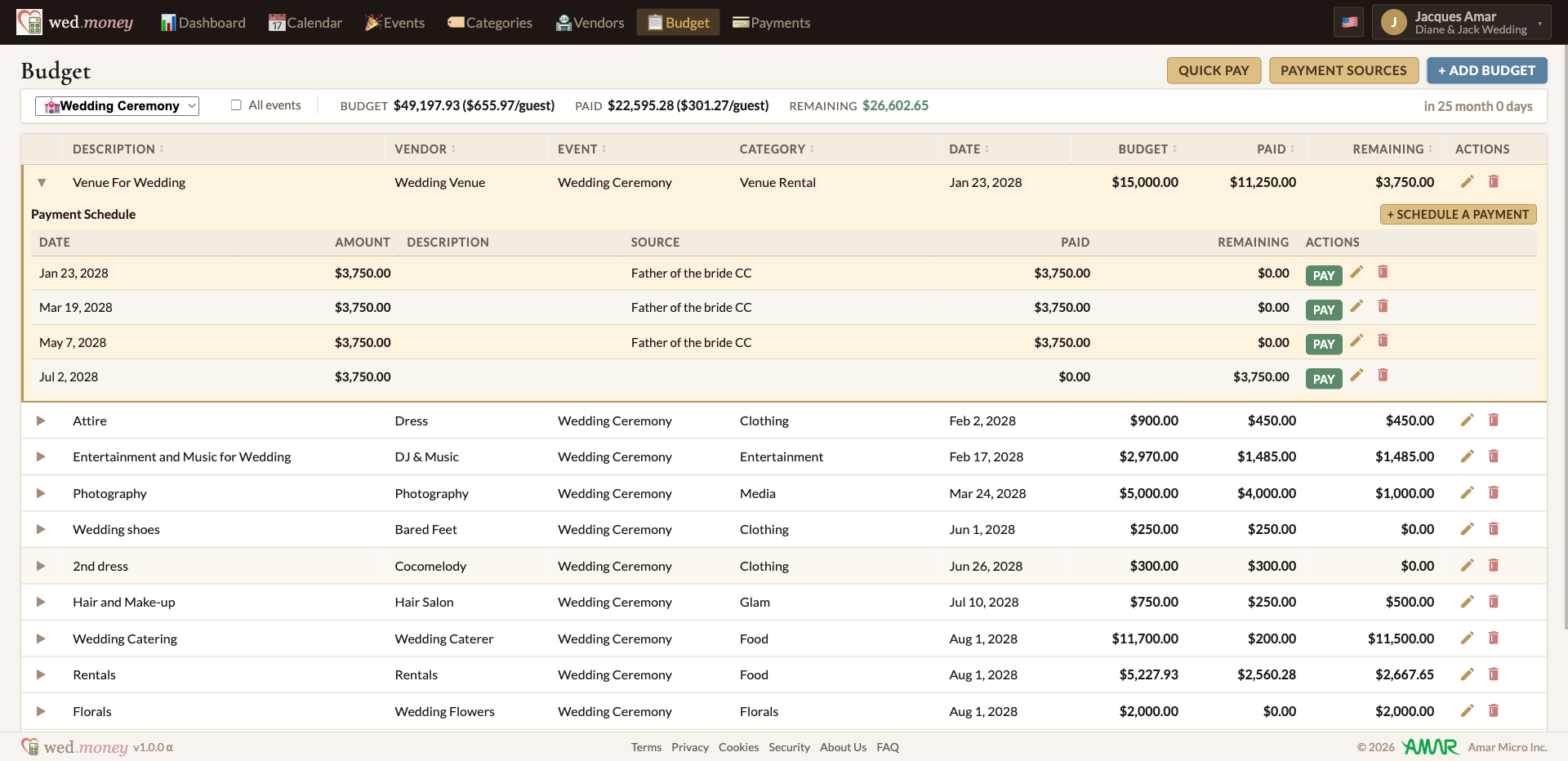
Set budgets and payment plans
Give each vendor a budget, then split it into dated installments.
-
3
Track payments as you go
Mark payments as they happen and watch your remaining balance update.
Why not a wedding budget spreadsheet?
Most couples start with an Excel spreadsheet or a Google Sheets budget template — we did too, and watched it quietly fall apart. Events, vendors, deposits, and shared funding don't fit in rows and columns. Here's what a spreadsheet can't do:
- Connect events, vendors, payment plans, and payment sources — without formulas that break every time you add a row.
- Let family and your planner work on the budget together — some can make changes, others view only, no copies emailed around.
- Track what you've actually paid against the plan, and always show what's left — and when it's due.
- Put every due date on a calendar and a cash-flow timeline, instead of burying it in a column.
- Capture the incidentals you never budgeted for — tips, alterations, last-minute extras — so your real total stays honest.